
 Quick addArden Linen Overshirt$124.003 colours
WooCommerce store development
WooCommerce development services for stores you own and control
Our WooCommerce development services turn WordPress into a practical ecommerce system built around your products, customers and day-to-day operation. We plan the catalogue, theme, checkout, integrations and hosting together, so the store is easier to buy from and easier for your team to manage after launch.
- Built on your WordPress setup
- Designed around the buying journey
- Your hosting, data and store stay yours
Start with the buying journey
WooCommerce store setup starts with how people shop
A WooCommerce store setup can be technically correct and still feel awkward to use. The real work begins before theme styling or plugin installation. We map how a customer finds a category, compares products, understands options, reaches the cart and completes payment. That gives the build a structure instead of a pile of settings.
What the build has to solve
-
Information architecture
Categories, pages and content arranged so products have a clear home as the range grows.
-
Product structure
Attributes, variations and naming rules set once, then applied consistently across the catalogue.
-
Navigation
Menus written around the way customers search, not the way an internal spreadsheet happens to be organised.
-
Category design
Filters and groupings that help a buyer narrow the range without making them learn your internal terminology.
-
Product presentation
Reusable layouts for images, specifications, options, delivery details and the questions buyers ask before purchasing.
-
Mobile usability
Pages checked at phone width first, because that is where small layout problems become obvious fastest.
-
Custom checkout
Checkout fields, payment options, shipping logic and tax settings configured around how the business actually trades.
-
WordPress integration
The store connected to the tools you already use without adding extensions that duplicate existing functions.
The buying journey
Four moments have to work before the order does
Most ecommerce journeys become complicated because too much is added around the basics. We keep the core path clear: help the customer narrow the range, understand the product, confirm the order and pay without surprises.
-
01
Category
The category page does the first serious piece of selling. Filters should reflect the choices customers actually make, product cards should answer the obvious questions at a glance, and stock or variation information should not force a click just to find out whether an item is relevant. Good category structure makes a large catalogue feel easier, not smaller.
-
02
Product
A product page should remove doubt in the order buyers experience it. Price, options and the main purchasing information come first. Specifications, fit, compatibility, returns and supporting detail follow where they are useful. Reusable templates keep that standard consistent instead of leaving every new listing to be assembled from scratch.
-
03
Cart
The cart confirms what was selected, makes quantities easy to change and shows the costs a buyer needs to understand before checkout. Shipping surprises and unclear totals create hesitation here. We configure the cart so the next step is obvious and customers do not have to restart the journey to correct a small choice.
-
04
Custom checkout
WooCommerce gives you more control over checkout behaviour than a fixed hosted flow, but that freedom needs restraint. We configure the fields, gateways, shipping zones, tax rules and order messages around the business model, then test the routes customers will actually use. If deeper checkout customisation is needed, it is scoped before code is added.


When standard settings stop being enough
Hire a WooCommerce Developer for the Parts That Need Real Development
Many stores do not need custom code everywhere. They need the right code in a few important places. We separate what WooCommerce already handles well from the parts that need theme work, PHP changes, plugin development or a cleaner integration with the rest of the WordPress site.
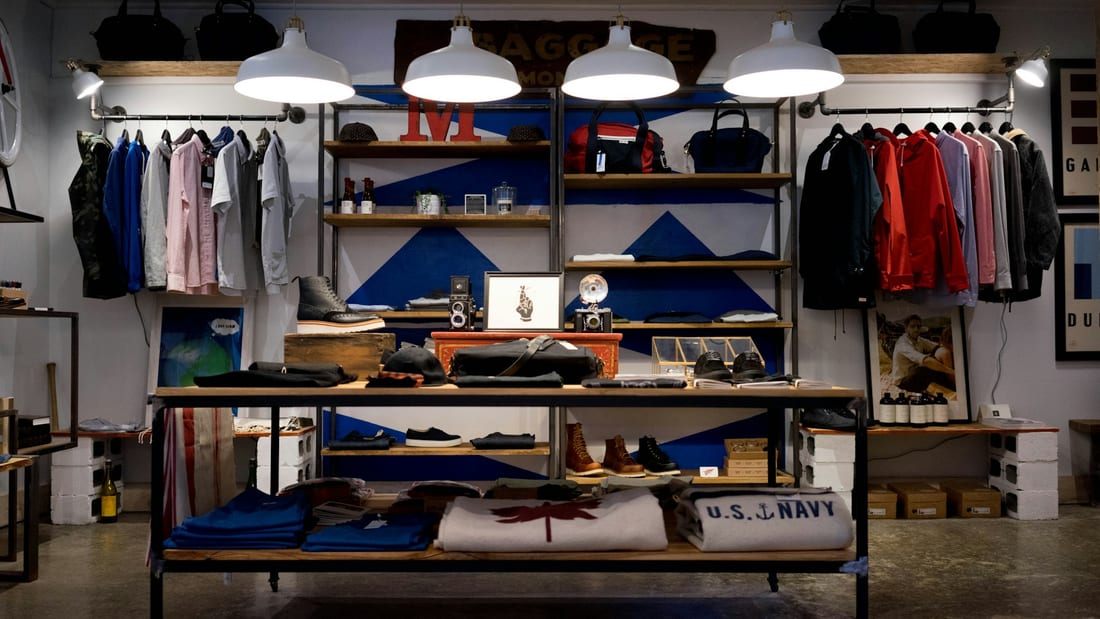
Selected WooCommerce work
Stores built around different products, customers and operations
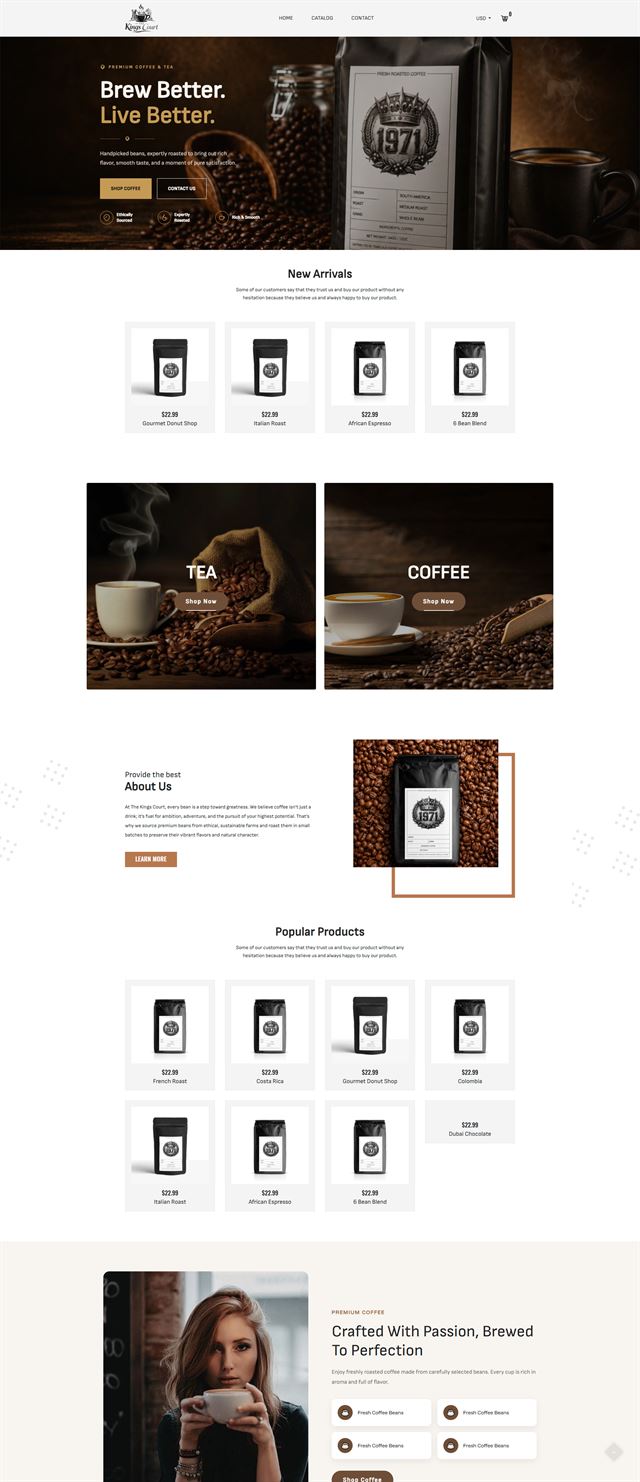
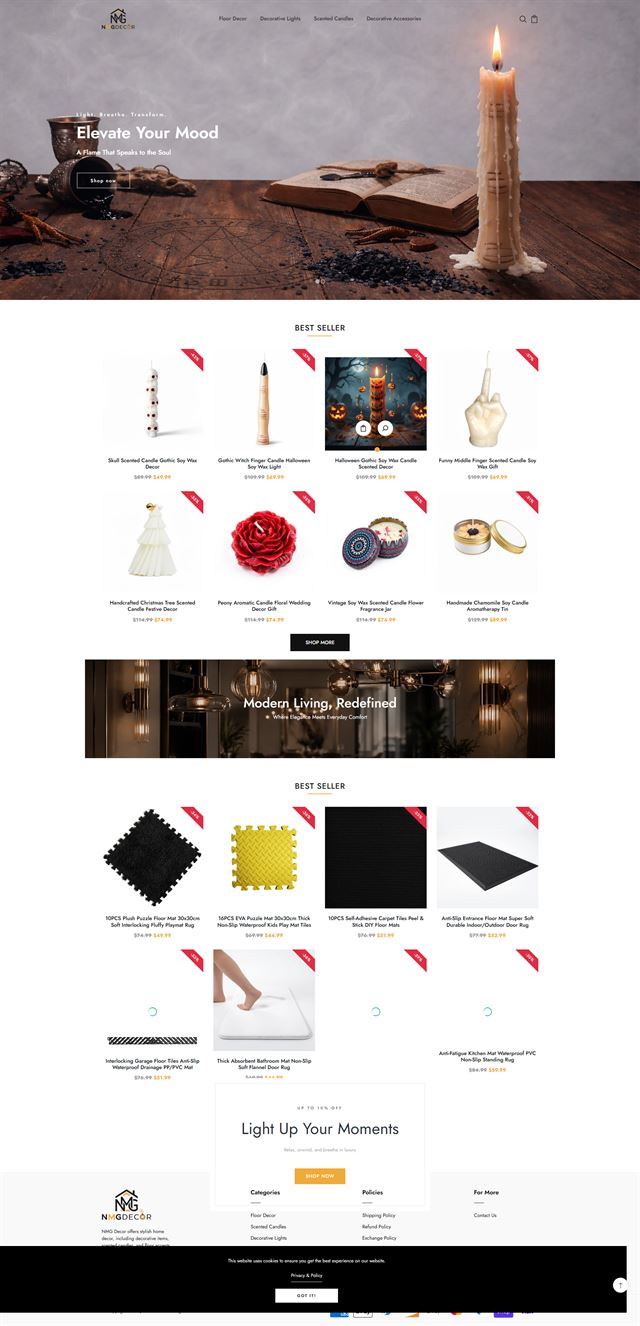
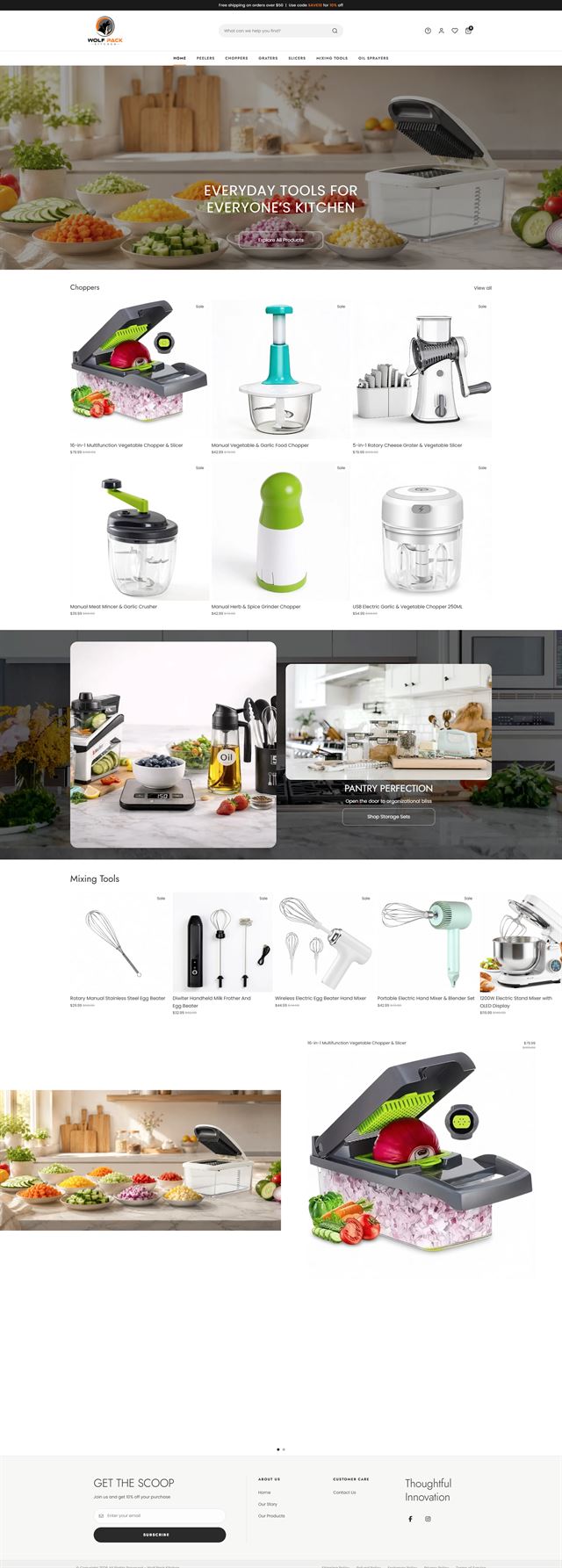
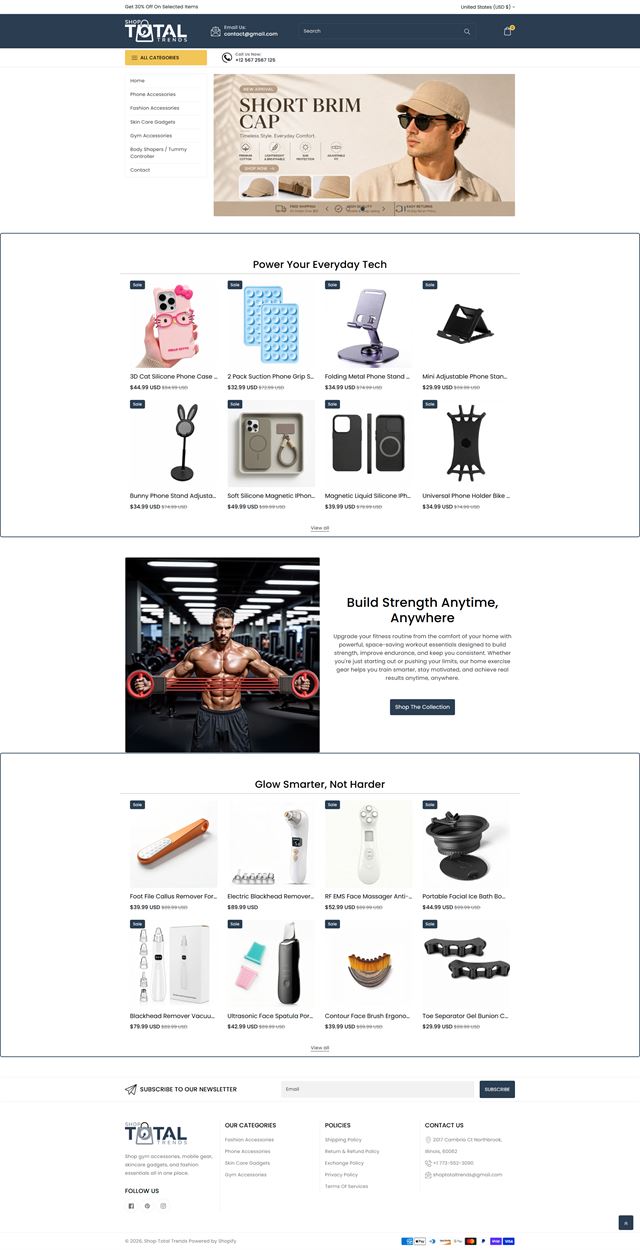
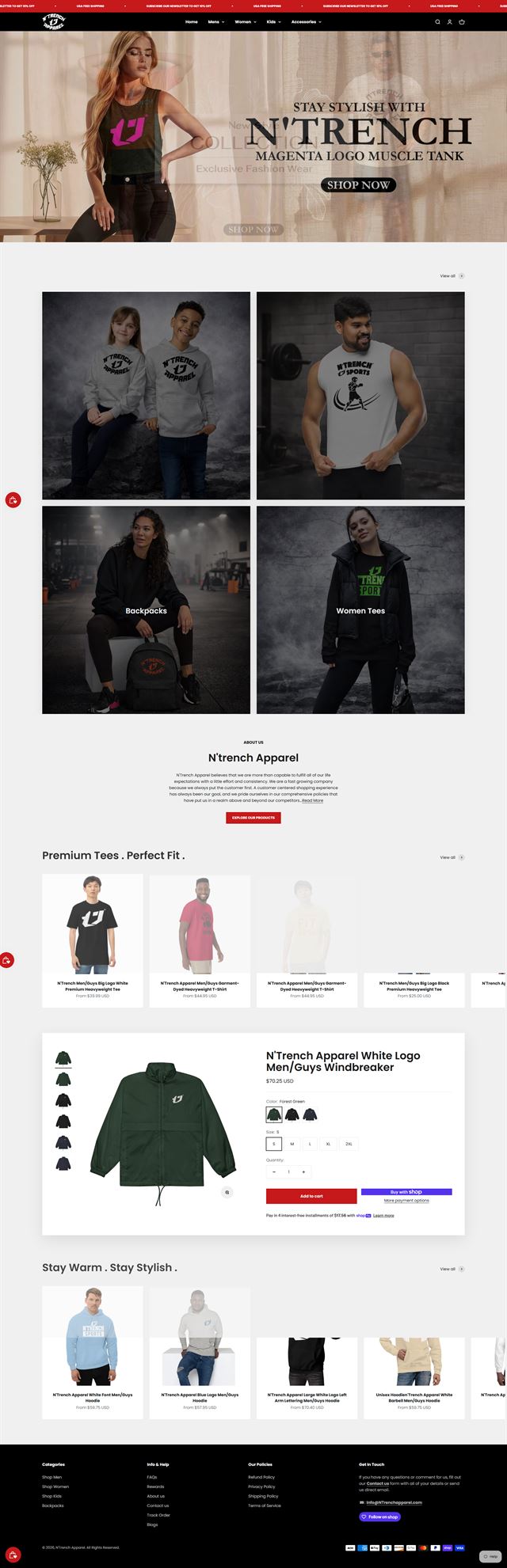
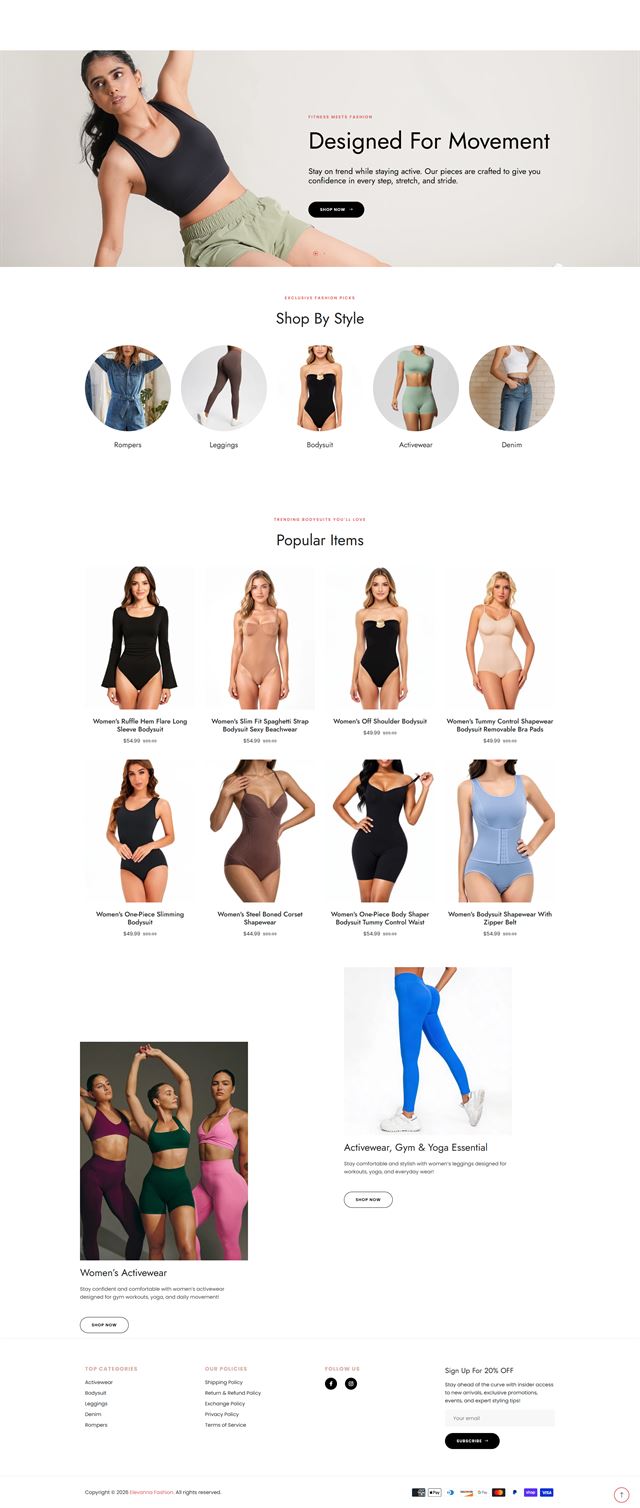
Our WooCommerce portfolio reflects the range of work a self-hosted store can require. Some projects begin with a WordPress site that already has years of content and needs ecommerce added without disrupting the rest of the experience. Others start with a catalogue migration, a theme that has become difficult to maintain, or a checkout that no longer matches the way the business sells. The examples shown here represent that practical side of WooCommerce development: clearer product structures, custom theme work, WordPress integration, carefully chosen WooCommerce extensions, plugin development where it earns its place, and checkout flows built around real payment and shipping rules. The visual style changes from brand to brand because the store should belong to the business, not to a template. Behind the design, the goal stays consistent: build a store customers can understand, give the internal team an admin they can actually work with, and leave the hosting, data and approved code under the client’s control.
Before development
Five decisions that keep a WooCommerce build on track
Most expensive rebuilds start as unanswered questions. Before development begins, we settle the catalogue, buying journey, navigation, integrations and ownership model in writing. That gives the developer a brief to build from instead of a series of guesses to undo later.
Start with the catalogue, not the theme
We review the product data first, decide which attributes need to be searchable or selectable, and define the category logic before upload. That structure drives the templates and tells us where automation will save time.
Discuss your store
Design the product page around the buyer’s questions
Buyers scan for the detail that answers one question: is this right for me? We identify those questions early and build reusable product templates that surface the right information in the same place across the catalogue.
Discuss your store WordPress integration without extra clutter
We map the WordPress tools the store must connect with, then choose the simplest reliable route. The goal is to avoid overlapping plugins and keep the admin easier to maintain.
Discuss your store WooCommerce extensions should earn their place
We use WooCommerce extensions when they solve a real requirement. If one duplicates another tool, adds cost without a clear purpose or creates update conflicts, we leave it out.
Discuss your store A self-hosted store needs a clear hosting plan
We build on hosting in your name and agree the staging, backup and update approach before launch. The PHP version, server resources and caching setup should suit the store you are running, especially as the catalogue or traffic grows.
Discuss your store WooCommerce vs Shopify for business: choose the model that fits your team
The WooCommerce vs Shopify for business decision is mostly about who should control the technology. Shopify handles more of the hosting and platform maintenance. WooCommerce gives you a self-hosted WordPress store with more direct control over code, content and integrations, but your team also needs a plan for updates, backups and hosting. We help you judge that tradeoff before committing to a build.
Discuss your store Ecommerce development across leading platforms and marketplaces
We provide ecommerce store development across leading platforms and marketplaces, including Shopify, WooCommerce, WordPress, BigCommerce, Magento, Wix, Squarespace, Webflow, OpenCart, Drupal, Joomla, eBay, Etsy and TikTok Shop. Whether you need a new store, a redesign, a migration or help improving an existing storefront, we shape the structure, product experience and integrations around the way each platform works so customers can browse and buy with less friction while your team has a store that is practical to manage.
-
 Shopify
Store development
Shopify
Store development
-
 WooCommerce
You are here
WooCommerce
You are here
-
 WordPress
Ecommerce development
WordPress
Ecommerce development
-
 BigCommerce
Store development
BigCommerce
Store development
-
 Magento
Store development
Magento
Store development
-
 Wix
Ecommerce development
Wix
Ecommerce development
-
 Squarespace
Ecommerce development
Squarespace
Ecommerce development
-
 Webflow
Ecommerce development
Webflow
Ecommerce development
-
 OpenCart
Store development
OpenCart
Store development
-
 Drupal
Ecommerce development
Drupal
Ecommerce development
-
 Joomla
Ecommerce development
Joomla
Ecommerce development
-
 eBay
Store development
eBay
Store development
-
 Etsy
Shop development
Etsy
Shop development
-
 TikTok Shop
Shop development
TikTok Shop
Shop development
How we build
From WooCommerce store setup to a tested launch
The work moves in stages so decisions are approved before they become expensive to change.
-
01
Discovery
We review the business, catalogue, customers, current WordPress setup and the operational problems the new store has to solve.
-
02
Store architecture
Categories, navigation, page hierarchy and buying paths are agreed before theme or plugin work begins.
-
03
UX and visual direction
We turn the brand into reusable ecommerce rules for product pages, categories, typography, spacing, states and mobile behaviour.
-
04
Theme and PHP development
We configure the theme, build custom templates where needed and use PHP development for behaviour that cannot be handled cleanly through settings or existing components.
-
05
Plugin development and integrations
Products, payments, shipping, WordPress integration and WooCommerce extensions are connected. Custom plugin development is used only where a focused piece of code is the cleaner long-term answer.
-
06
Testing
We test mobile and desktop journeys, variations, forms, cart behaviour, checkout routes, payment methods and the integrations tied to an order.
-
07
Launch
Domains, redirects, analytics, order emails, policies and production settings are checked before the store opens to customers.
-
08
Support and refinement
After launch, real customer behaviour shows what deserves the next round of work. Changes are prioritised from evidence instead of assumptions.
Questions
Before you hire a WooCommerce developer
These are the practical questions worth settling before a WooCommerce project begins.
-
Yes. We can plan and build the store from the catalogue up, including WordPress integration, theme configuration, product structure, payment and shipping setup, testing and launch. The exact scope is written down before development starts.
-
Yes. We first identify what is already working, then focus the rebuild on the parts creating friction. That may be navigation, category logic, product templates, mobile behaviour, plugin conflicts or checkout. A redesign does not automatically mean replacing the entire site.
-
We can customise an existing theme, build a child theme or create custom templates where the project needs them. The approach depends on how much control the design requires and how important it is to keep the theme easy to update over time.
-
Yes, when a custom plugin is the cleanest solution. We do not add code simply to make a project sound more bespoke. If a maintained WooCommerce extension already solves the requirement well, we will usually prefer that over creating another dependency to own.
-
Yes. Migration can include products, variations, customers, orders, content and URL redirects. We audit the source data first, decide what should be carried across and plan redirects before the old structure is switched off.
-
Yes. We can structure products, attributes, variations, images, descriptions and categories as part of the build. If the source data is incomplete, we identify the gaps before upload so the storefront does not launch with inconsistent listings.
-
Yes, within the needs of the project. We can configure gateways, shipping zones, taxes and checkout fields, then add custom checkout logic where the business model genuinely requires it. Every payment and shipping route included in scope is tested before launch.
-
Because WooCommerce is a self-hosted store, somebody has to own that responsibility. We build on hosting in your name and can advise on the technical requirements. Ongoing updates, monitoring and backups can be scoped separately if you want the same team to stay involved after launch.
-
Yes. The WordPress installation, approved theme and plugin code, database, product data and customer relationships remain on infrastructure you control. We work with the access you grant us, and that access can be removed without changing your ownership.
-
The schedule depends on catalogue size, migration work, custom functionality, content readiness, integrations and approval speed. We give you a project schedule after discovery rather than quoting one generic timeline for stores with very different requirements.
Ready to build?
Turn your WooCommerce plan into a store your team can actually run
Whether you are starting fresh, moving from another platform or repairing a store that has become difficult to manage, we can define the architecture, build the storefront and prepare it for launch without taking control of the business away from you.
The first conversation is about fit. We will explain what we would build, what we need from your team and where custom development is actually worth the cost.