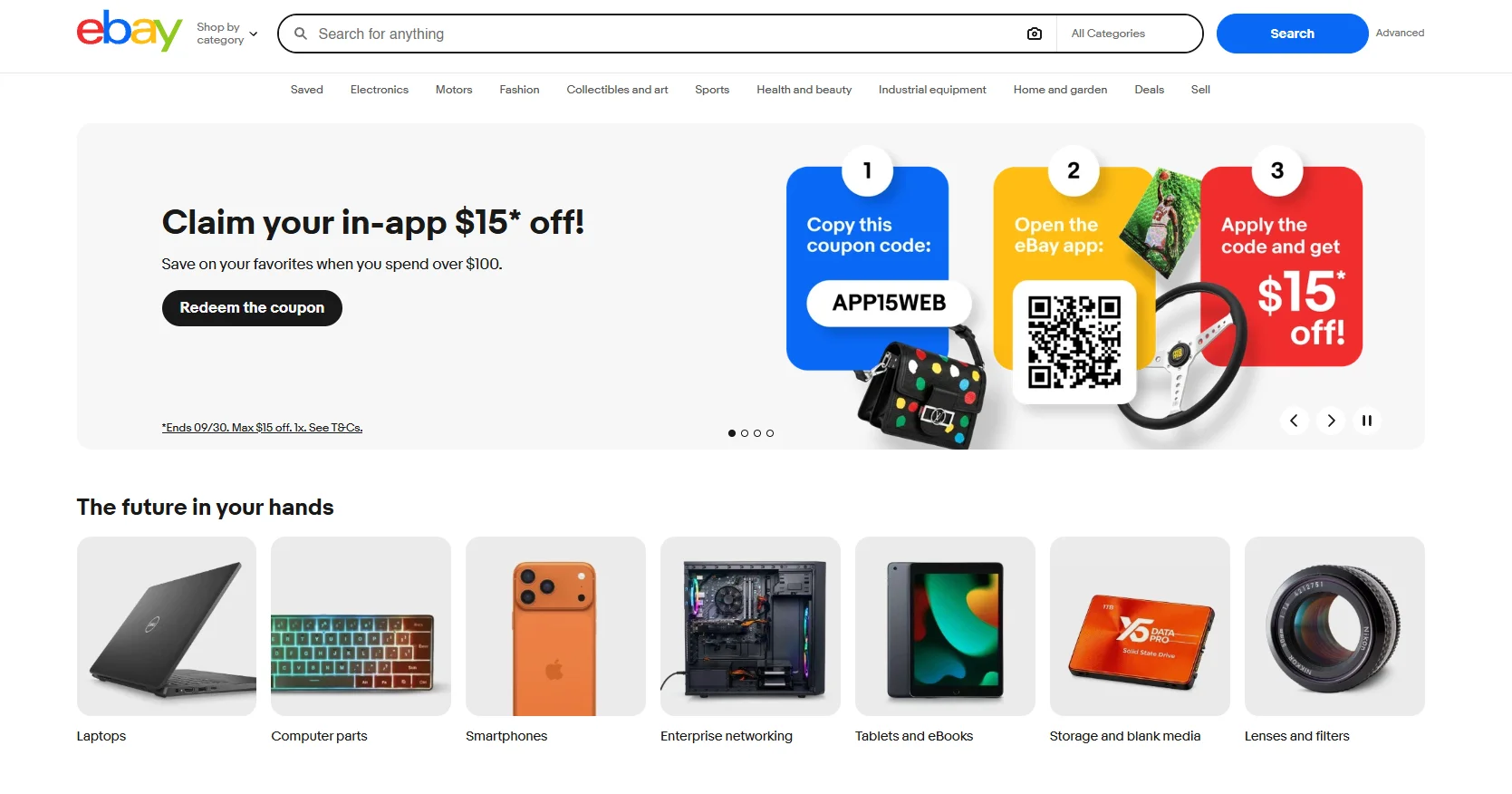
eBay ecommerce store development

eBay store design services built around how people find and buy

Your eBay Store should feel organised before a buyer ever opens a listing. We plan the eBay storefront, store categories, listing templates, item specifics, eBay branding and business policies inside your own seller account, so your marketplace presence is easier to browse and easier to manage.

  • Store categories buyers can browse
  • Consistent listing templates and item specifics
  • Seller Hub set up inside your own account
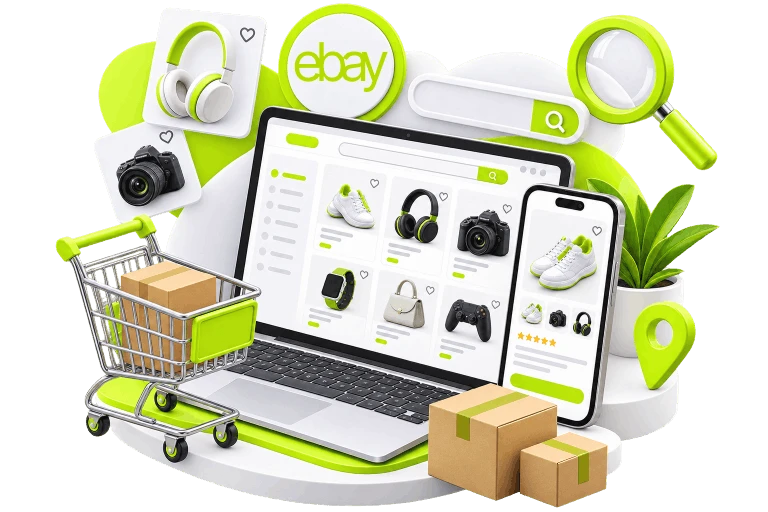
eBay Store Development - a laptop showing a search results grid of products with a search bar above it

Built around how eBay works

Your eBay storefront starts with the listing

eBay controls marketplace search, the cart and checkout. Your job is to make the product easy to find, easy to understand and easy to trust. That starts with the listing itself: the category, title, item specifics, images, description and policies a buyer sees before deciding to purchase.

What helps a buyer move forward

  • Category placement

    Put each product where buyers expect to find it, then keep that structure consistent.

  • Listing titles

    Use clear product language that helps the right item stand out in relevant search results.

  • Item specifics

    Treat them as structured product data because eBay filters and category refinements depend on them.

  • Photography

    Keep the image style consistent so products look like they belong to the same store.

  • Store categories

    Give buyers who visit your eBay Store a simple way to browse the rest of the catalogue.

  • Price and format

    Choose fixed price, auction or offers based on the product and the selling plan.

  • Shipping and returns

    Set business policies once, then apply them consistently across the catalogue.

  • Seller performance

    Promise dispatch times and service levels your team can actually meet.

The buying journey

What a buyer needs at each step

A buyer may spend only a few seconds at each stage. We make those seconds easier by keeping product information, policies and presentation consistent from the search result through checkout.

  1. 01

    Search results

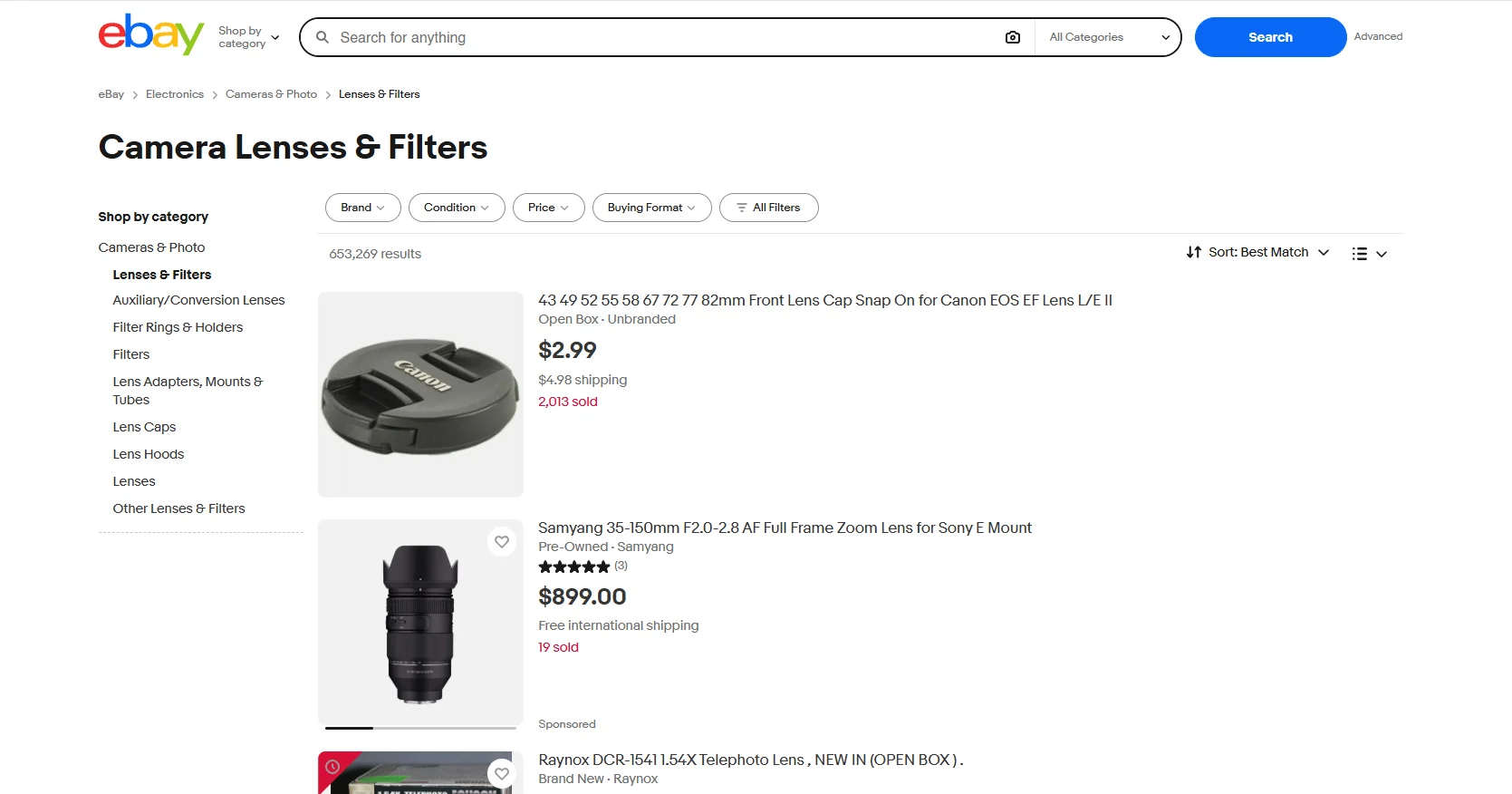
    Your listing appears beside other sellers offering similar products. At this point, the buyer mainly sees the title, main image, price, shipping information and seller reputation. The listing has to earn the click quickly. Correct category placement and complete item specifics also help the product appear in the searches and filters that make sense for it.

  2. 02

    Listing

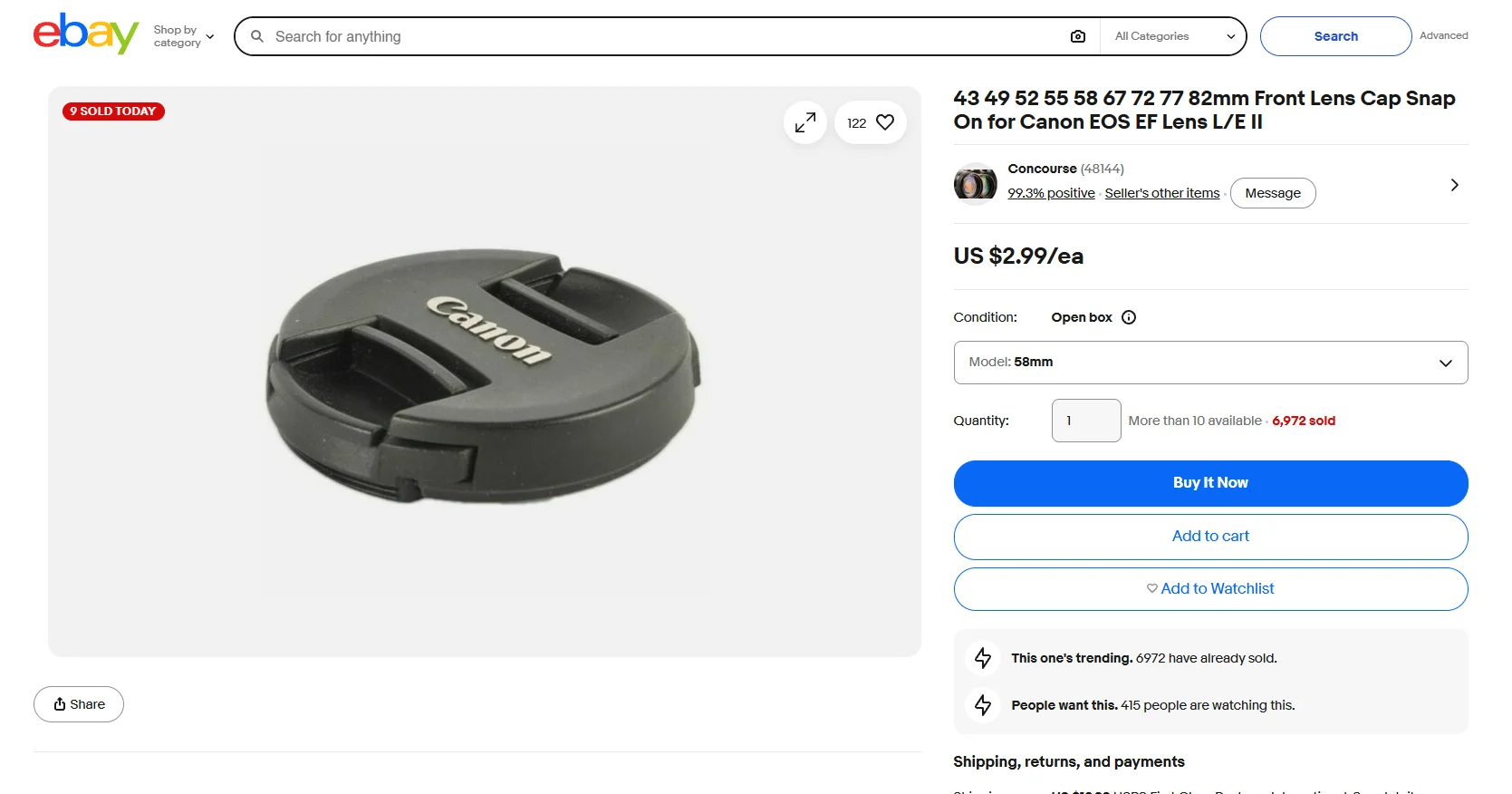
    Once the buyer opens the listing, the questions get more specific. Condition, size, compatibility, delivery time, returns and product details should be easy to find without digging through a wall of text. We build a repeatable listing template around those questions, then use the same standard across the catalogue.

  3. 03

    Cart

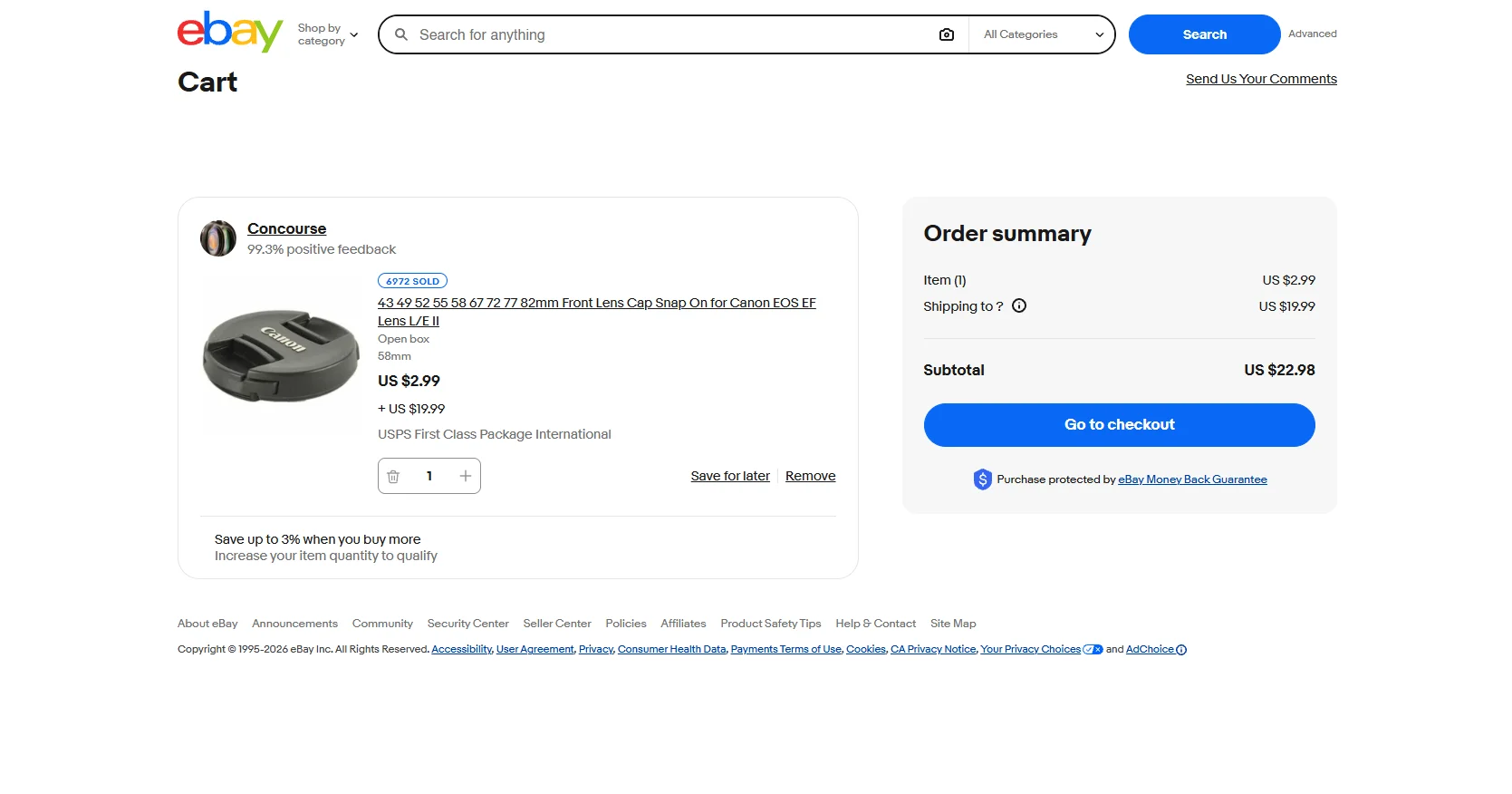
    The cart is where your shipping and business policies get tested in combination. If a buyer adds several products, the charges, delivery estimates and return terms should still make sense. We set those rules at account level where possible, so the experience stays consistent instead of changing from one listing to the next.

  4. 04

    Checkout

    eBay owns the checkout experience, so there is little value in pretending otherwise. Our work focuses on everything you can control before the buyer gets there, plus the dispatch, tracking and customer service that follow. That is where your store presentation and seller performance meet.

eBay store setup service

eBay Store Setup Service Built Around Your Seller Hub

A new eBay Store needs more than a subscription and a banner. We set up the account structure, storefront categories, business policies, listing standards and working routines inside Seller Hub, so the store is easier to run once real orders start coming in.

eBay Store Development - a laptop showing a listing grid of headphones, a handbag, a watch, a camera

Start Inside Your Own Seller Account

Your account stays in your name from day one.

We work through the access you grant us rather than listing products under an agency account. Your feedback, seller history, customer relationships and live listings stay attached to the account that earned them, and you can remove our access when the work is complete.

Turn Seller Hub Into a Working System

The setup should make daily work easier, not add another layer of admin.

We organise listing workflows, business policies, inventory handling and the parts of Seller Hub your team will use most. The aim is simple: fewer one-off decisions once orders, messages and catalogue updates become part of the weekly routine.

Keep One Standard as the Catalogue Grows

New listings should not look like a fresh project every time.

Listing templates, image rules, item specifics and eBay branding give the catalogue a common structure. That makes new products faster to add and helps the storefront feel like one business, even when several people manage the account.

eBay Listing Template Design

A listing template cannot control eBay search or checkout, but it can control how clearly product information is presented.

We design a clean, mobile-friendly structure for titles, images, item specifics, descriptions, shipping and returns. The same structure is then used across the catalogue, so your eBay branding feels connected without turning every listing into a miniature website.

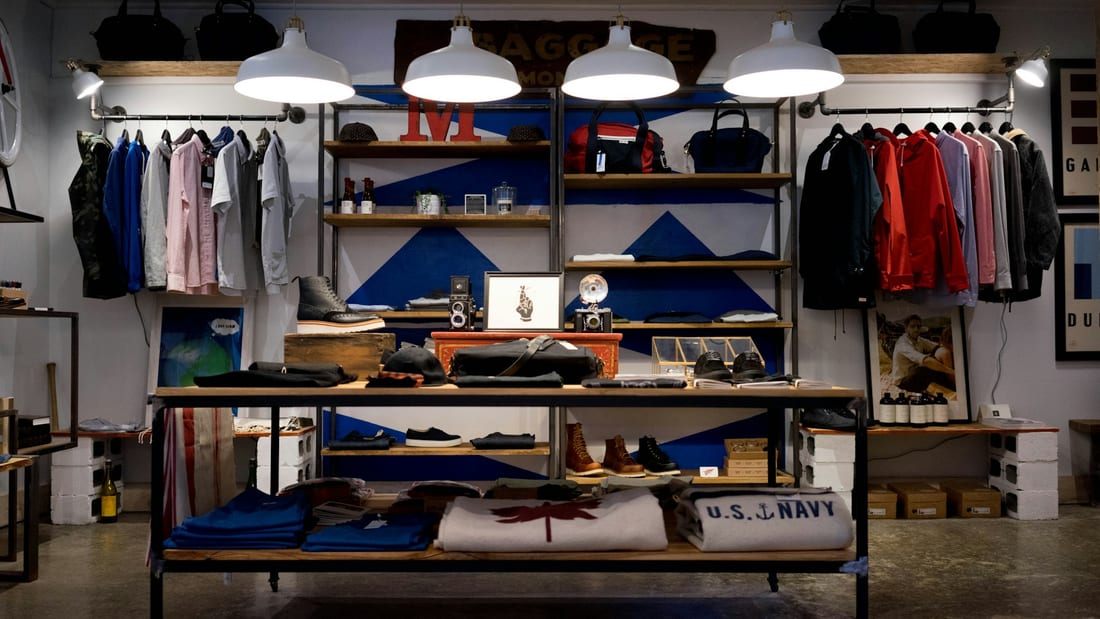
Shopify Store Development - a menswear shop interior with rails of shirts and jackets and a display table of knitwear

Strategy meets execution

On eBay you do not own the checkout. You own everything that decides whether anyone reaches it.

What you stock, how it is priced, how fast it goes out of the door and what happens when it comes back are all decisions the listings have to carry. We build the store structure, the listing standard and the business policies around those answers — and keep the dispatch and service commitments to what the operation can genuinely hold, because on a marketplace those are scored.

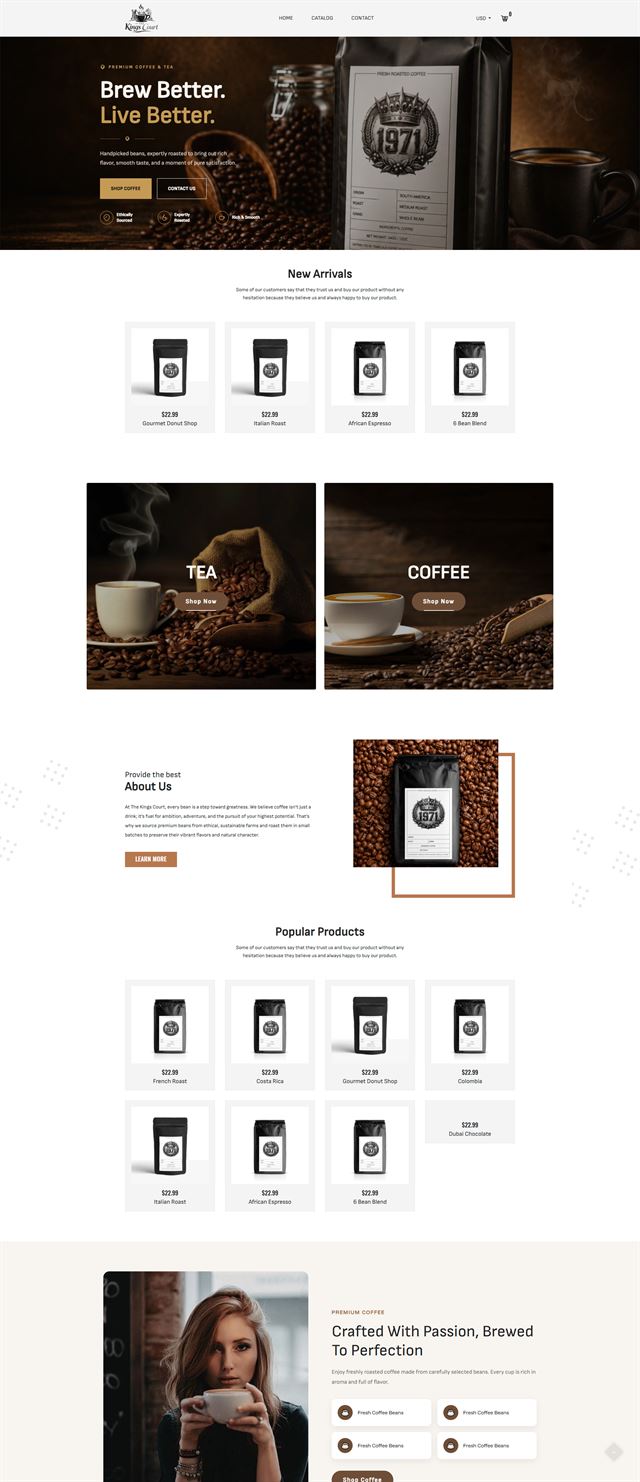
Shopify Store Development - a full-page storefront for a coffee and tea brand with a dark roastery hero
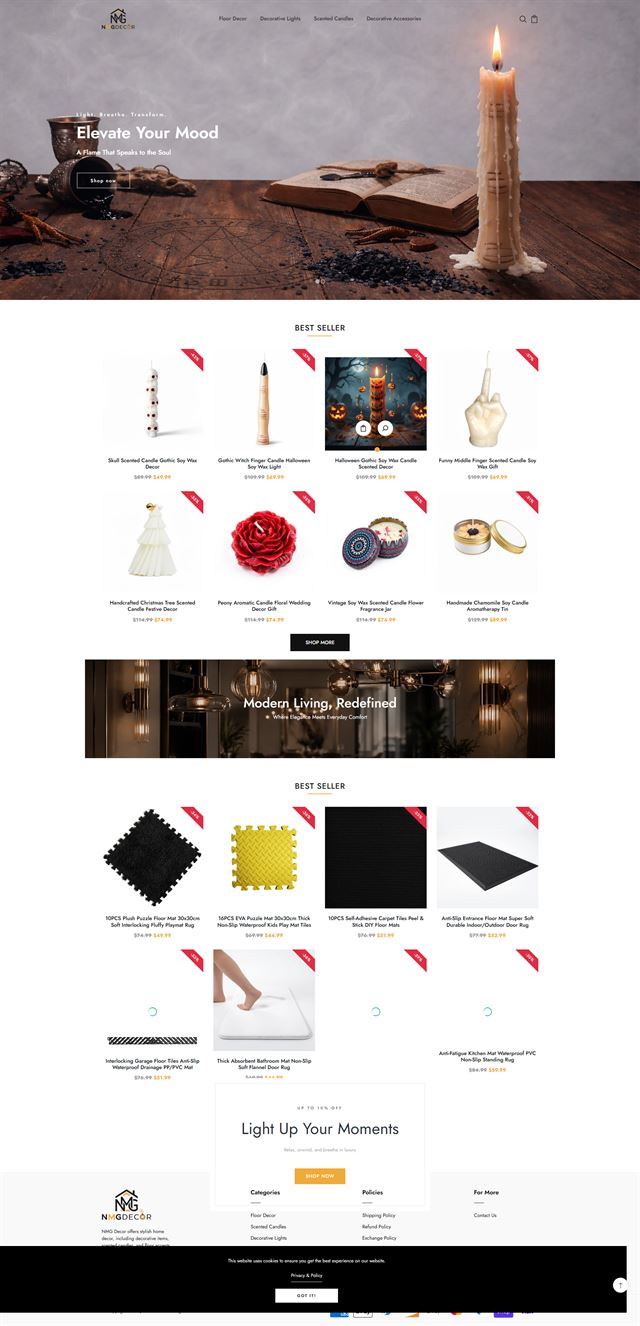
Shopify Store Development - a full-page storefront for a home decor brand with a candlelit hero
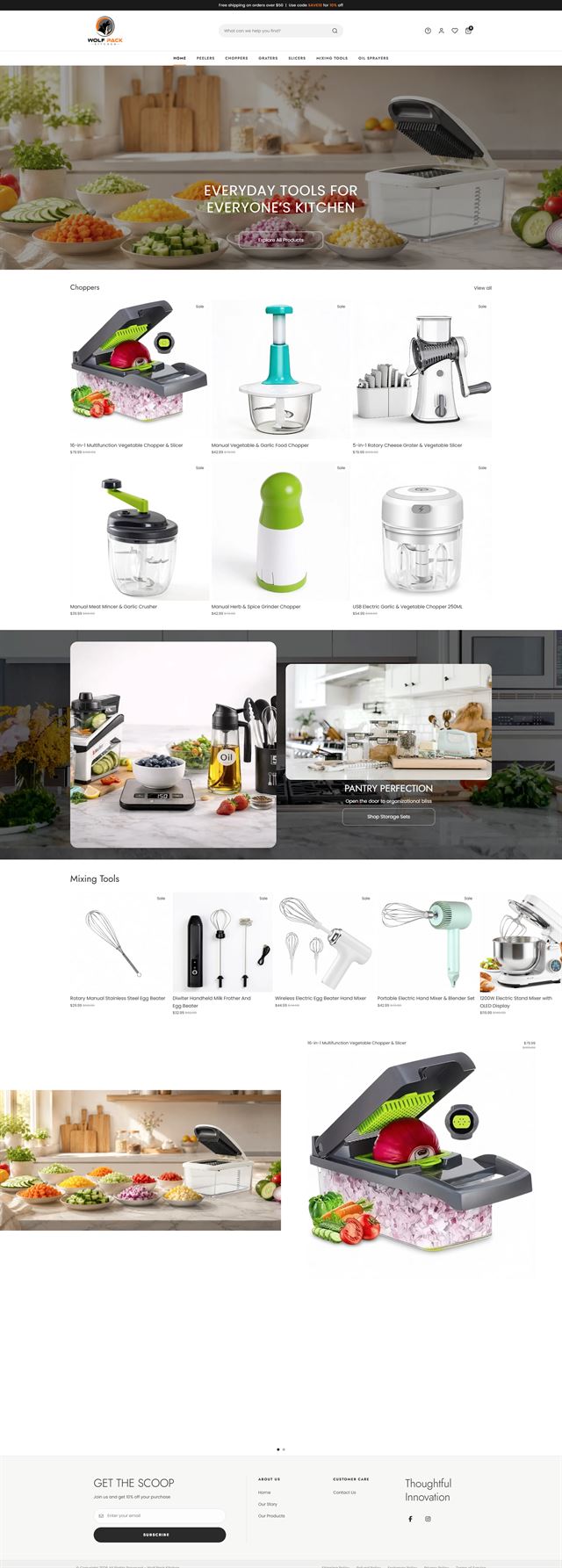
Shopify Store Development - a full-page storefront for a kitchen tools brand with a prepared-vegetables hero
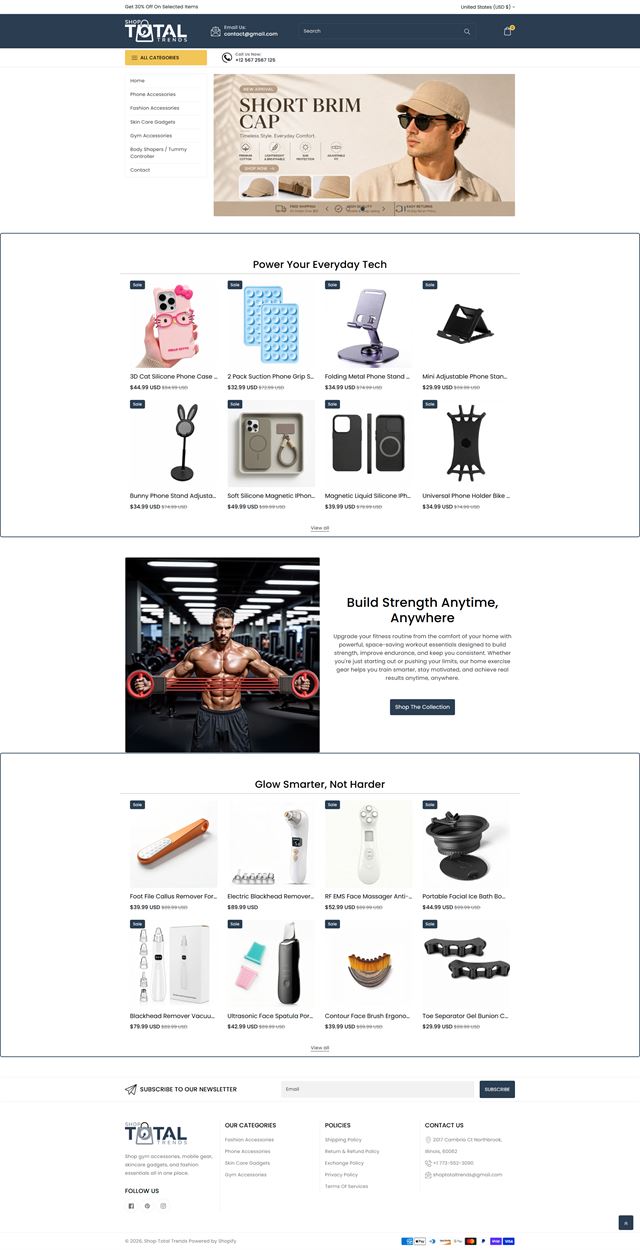
Shopify Store Development - a full-page storefront for a general goods shop with a category sidebar
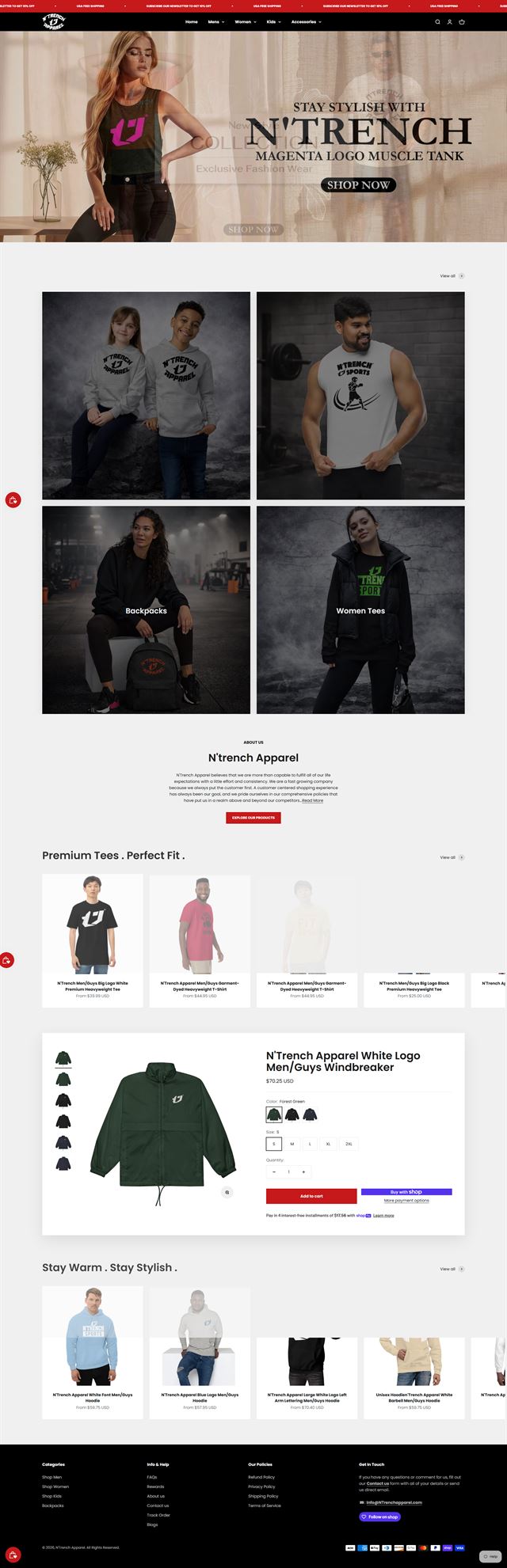
Shopify Store Development - a full-page storefront for an apparel brand with a campaign hero
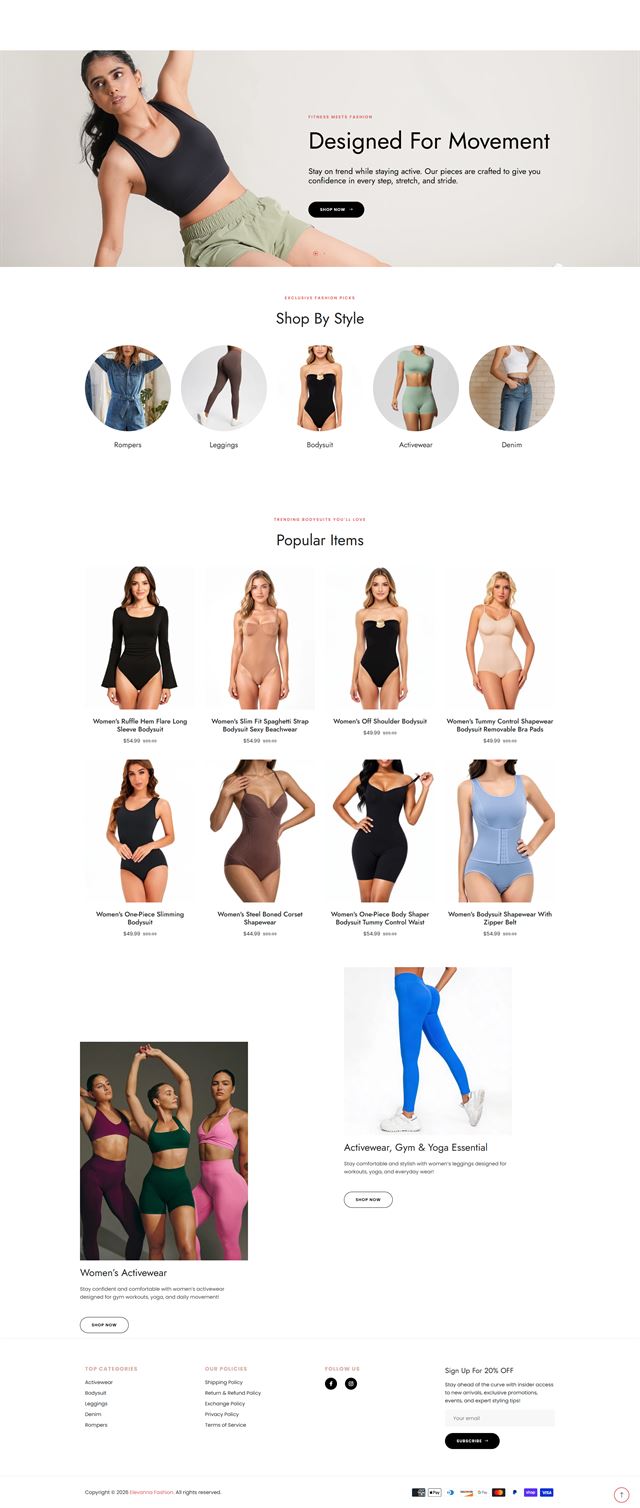
Shopify Store Development - a full-page storefront for a womenswear brand with a movement-led hero

How to open an eBay Store

How to open an eBay Store without building it backwards

The quickest way to waste time on eBay is to start listing before the catalogue, policies and account structure are settled. We make the important decisions first. That gives the eBay Store a cleaner starting point and makes future listings much easier to add.

Start with what you sell

We look at the number of products, variations, brands, sizes and other attributes that matter to buyers. That tells us how the eBay categories, store categories and item specifics should be organised. If you already have product data, we use it as the starting point and identify what is missing before upload begins.

Discuss your store
eBay Store Development - a desktop screen under a striped awning showing three listings - a perfume, a handbag and a watch

Ecommerce development across leading platforms and marketplaces

We provide ecommerce store development across leading platforms and marketplaces, including Shopify, WooCommerce, WordPress, BigCommerce, Magento, Wix, Squarespace, Webflow, OpenCart, Drupal, Joomla, eBay, Etsy and TikTok Shop. Whether you need a new store, a redesign, a migration or help improving an existing storefront, we shape the structure, product experience and integrations around the way each platform works so customers can browse and buy with less friction while your team has a store that is practical to manage.

How we build

From store plan to live eBay storefront

The work follows a clear order so every decision has a purpose and every handoff is easy to check.

  1. 01

    Discovery

    We review the catalogue, buyer profile, margins, shipping rules and how your team handles orders.

  2. 02

    Catalogue structure

    We map eBay categories, store categories, variations and item specifics before bulk listing begins.

  3. 03

    eBay branding

    We set the storefront look, image rules and listing template so the account feels consistent without fighting eBay’s layout.

  4. 04

    Store and template build

    We build the eBay storefront, listing templates and category structure inside the seller account, using eBay’s permitted layout and content rules.

  5. 05

    Seller Hub setup

    We configure business policies, listing workflows, inventory connections and the day-to-day tools your team needs.

  6. 06

    Review

    We check listings on desktop and mobile, then review titles, specifics, images, price, shipping and returns against the agreed standard.

  7. 07

    Launch

    The eBay Store goes live with its categories, templates and policies in place. We watch the first round of buyer questions and operational issues.

  8. 08

    Refine

    Real orders show what needs attention. We use that feedback to improve the store instead of guessing before launch.

Questions

Common questions about eBay store design services

Straight answers for sellers planning a new store or improving an existing eBay marketplace presence.

Ready to sell on eBay?

Build an eBay Store that is easier to find, browse and run

Whether you are opening your first eBay Store or cleaning up an account that has grown over time, we can organise the storefront, standardise the listings and set up Seller Hub around the way your business actually works.

No pressure on the call. We will explain what we would build, what we need from you and whether the service is a sensible fit.